
Welcome to the 205th edition of the Windows 365 Community newsletter! This week, we bring you the latest Windows 365 news, free events, and expert tips & tricks from the world of Cloud PC.
Fixing RDP authentication issues that KB5074109 causes with the Windows app on Windows 11
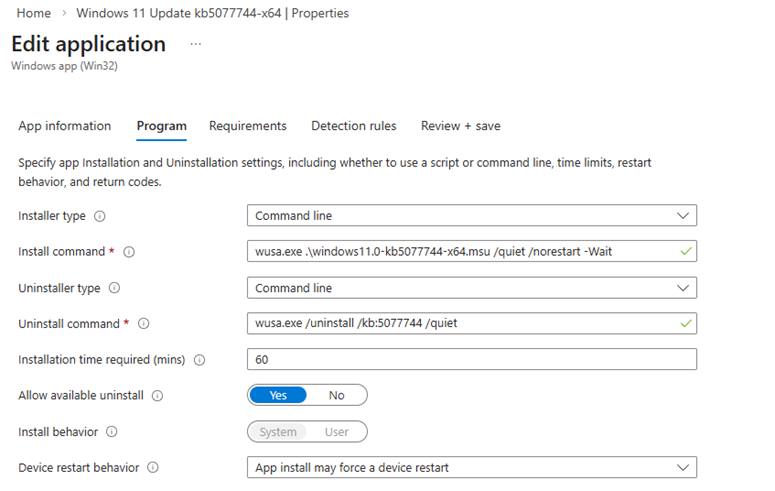
We start this weeks newsletter with a post by ‘Big’ Chris Cavazos, where he explains how to solve authentication issues with the Windows app on Windows 11, caused by KB5074109. He shows how to deploy a patch using Microsoft Intune to affected Windows 11 devices.
Read the full post here: ‘Big’ Chris Cavazos – Fixing RDP authentication issues that KB5074109 causes with the Windows app on Windows 11
Customer story: ABN AMRO transforms the workplace for 3.500 offshore developers with Windows 365
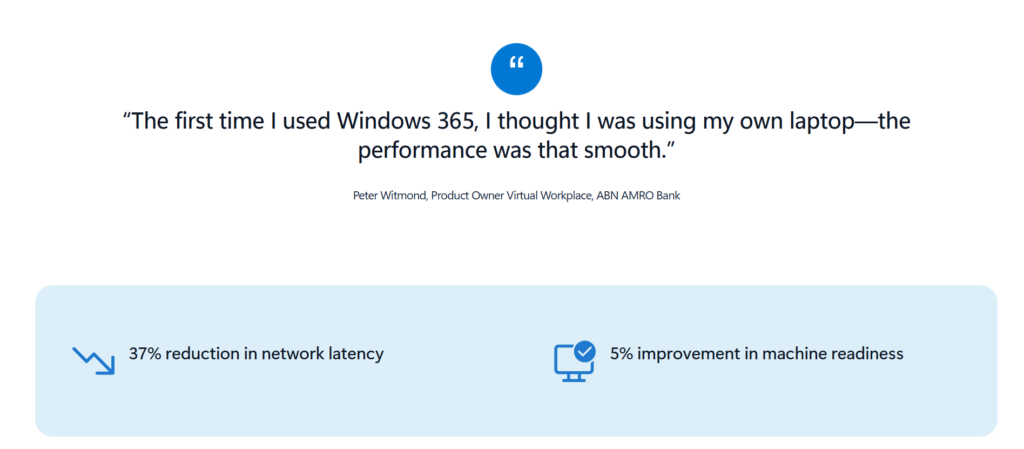
ABN AMRO, a leading Dutch bank, needed to replace its outdated virtual desktop infrastructure for 3,500 remote developers. With decreasing workplace performance and stalling developer progress, the team needed a more scalable solution that could meet user requirements.
The bank chose Windows 365 for its simple design and cloud-native flexibility. With Microsoft’s support, the team could set up Cloud PCs quickly and manage them as regular laptops during a smooth, phased migration.
ABN AMRO achieved a 37% network latency reduction and completed migration in only 10 weeks. Developers report smoother performance, faster onboarding and more productivity, while IT teams benefit from simplified operations and scalability.
Read the full customer story: ABN AMRO customer story
Community tool: Windows 365 Deployment script
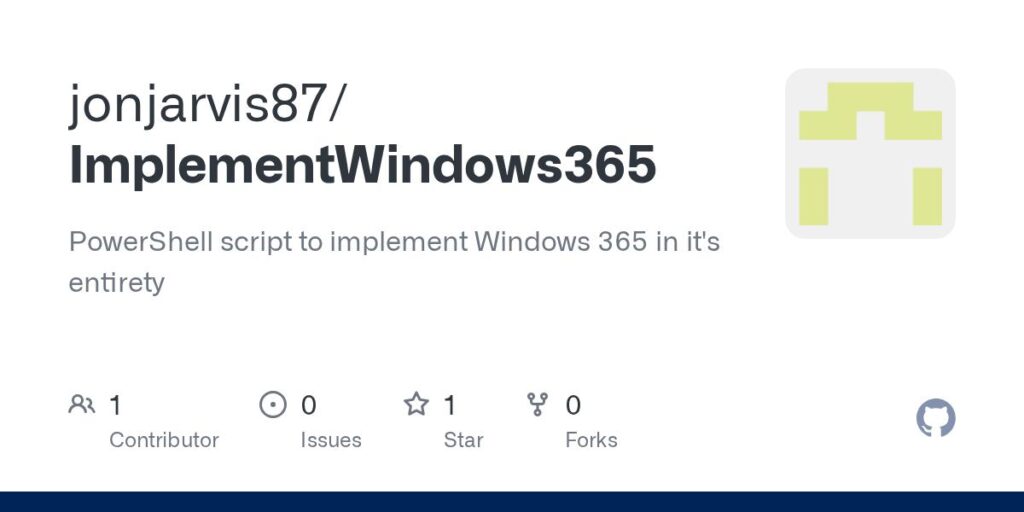
Jon Jarvis created a PowerShell script that automatically deploys Windows 365 in a Microsoft tenant. The script will Windows 365 configuration aligned with best practices. Since it’s script based, you’ll enjoy a faster and consistent deployment.
Find the community tool here: Jon Jarvis – Windows 365 Deployment script
Expanded UDP Connectivity Validation with the TURN Health Check
The existing UDP connectivity check in Azure Network Connection (ANC) validates STUN (Session Traversal Utilities for NAT) reachability. We’re enhancing this check to also validate TURN (Traversal Using Relays around NAT) connectivity, giving administrators a more complete view of relay-path readiness. With TURN health surfaced alongside STUN on the ANC page, administrators can more quickly spot and remediate relay-path issues before they impact users.
That’s all for this week’s roundup! We love seeing how this community keeps pushing the boundaries of what’s possible with Windows 365. Jump into the forums, share your latest learnings, and let’s keep the momentum going!
See you next Friday!