
Welcome to the 209th edition of the Windows 365 Community newsletter! This week, we bring you the latest Windows 365 news, free events, and expert tips & tricks from the world of Cloud PC.
Windows 365 Link Quick Start Videos
Microsoft has introduced a collection of short “quick start” videos designed to help IT admins understand and deploy Windows 365 Link. Each video focuses on a specific part of the setup or user experience, from preparing the environment and configuring enrollment to understanding authentication options and seeing what the out‑of‑the-box experience looks like for end users.
Visit: Windows 365 Link Quick Start Videos
Frontline shared mode expands to Germany West Central & Switzerland North
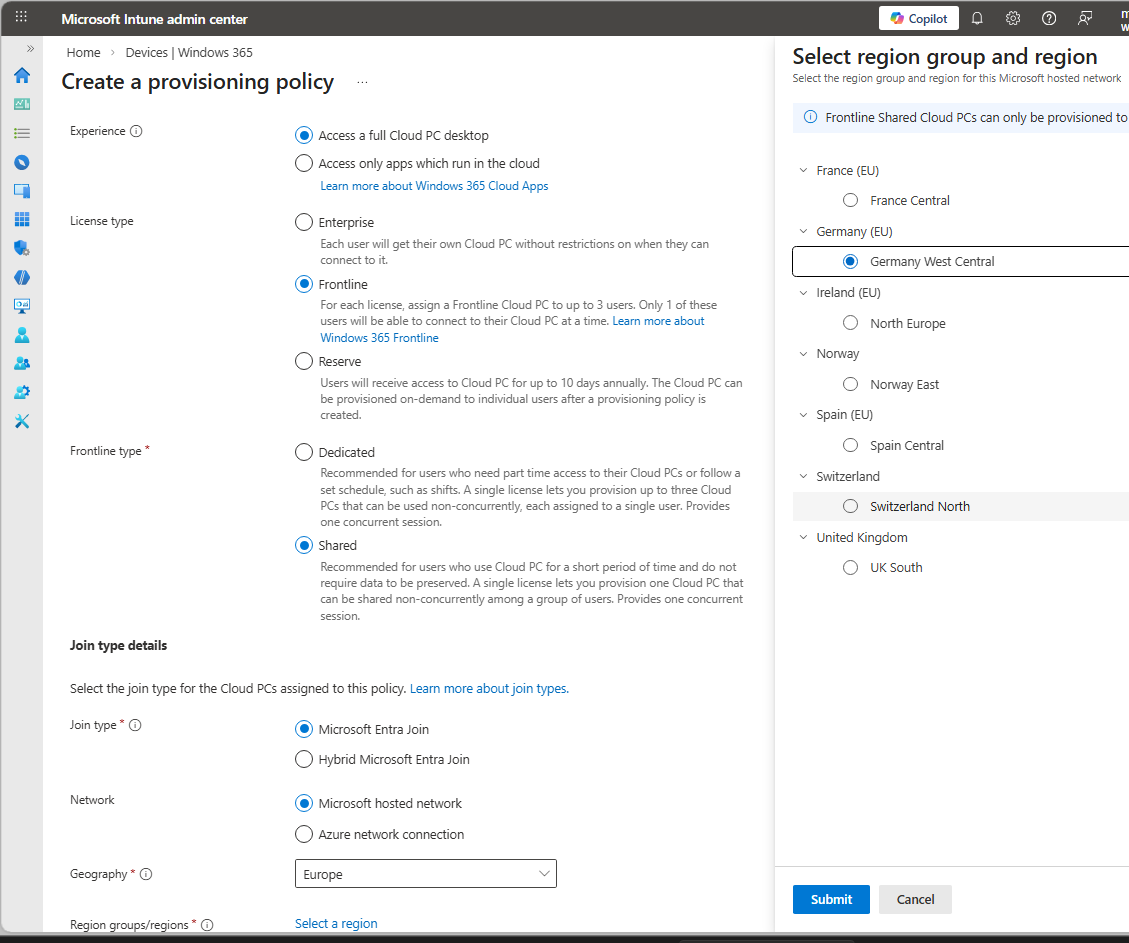
Microsoft has expanded Windows 365 Frontline in shared mode to the Germany West Central and Switzerland North regions. This expansion allows organizations in and around these areas to provision Cloud PCs closer to their users, improving performance through lower latency and supporting local data residency requirements.
Visit: Frontline shared mode expands to Germany West Central & Switzerland North
How to Setup Windows 365 Cloud PCs with Autopilot Device Preparation
In this video, Vaishnav K demonstrates how to set up Windows 365 Cloud PCs using Autopilot Device Preparation (DPP) in automatic mode. He explains the purpose of DPP – ensuring that required apps and scripts are installed before a user signs in, improving consistency and reducing the need for custom images.
How to Create Windows 365 Frontline Dedicated Cloud PCs using Intune
In this blog post, Vaishnav K explains how Windows 365 Frontline works in Dedicated Mode and provides a full walkthrough for creating and deploying dedicated Cloud PCs using Microsoft Intune. He begins by outlining the Frontline licensing model, where a single license can provision up to three Cloud PCs, though only one can be active at a time. Dedicated Mode is positioned as ideal for shift workers, part‑time staff, or users who need their own Cloud PC but not continuous access.
Visit: How to Create Windows 365 Frontline Dedicated Cloud PCs using Intune
First looks at the Remote Desktop Client app migration tool
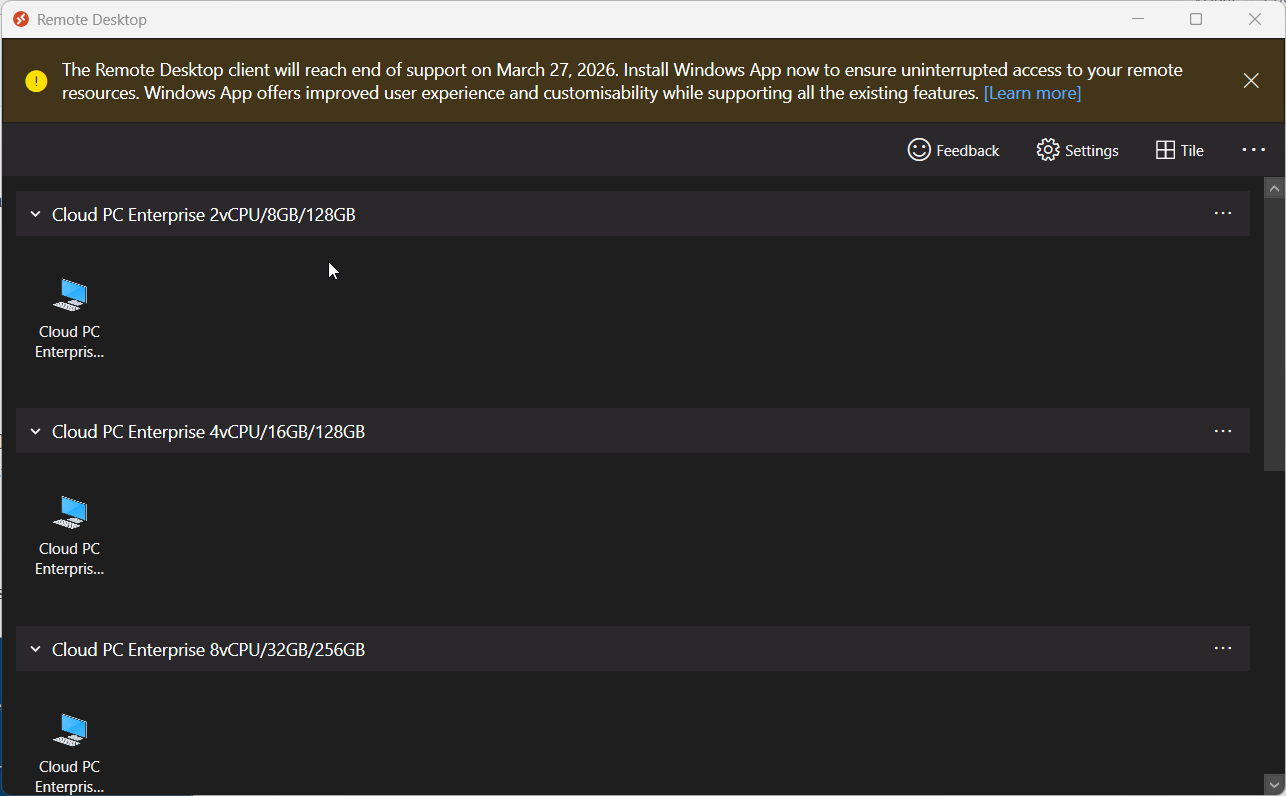
In this blog post, Paul Winstanley and Niall Brady explore Microsoft’s Remote Desktop Client app migration tool, created to help organizations move away from the legacy Remote Desktop client before it reaches the end of support on March 27, 2026. Since the old client won’t automatically upgrade to the new Windows App, Microsoft provides a PowerShell‑based migration script that installs the Windows App, optionally removes the old client, sets required registry keys, and logs all actions.
Visit: First looks at the Remote Desktop Client app migration tool
Enabling AI Frontier Capabilities on Windows 365 with Intune
In this blog post, Jens Du Four explains how Microsoft now lets Windows 365 Cloud PCs with 8 vCPUs use Copilot+ AI features – such as enhanced Windows Search and Click to Do – even though these virtual machines don’t have a physical NPU. Through the Frontier Preview, admins can enable these capabilities entirely through Intune. The setup involves creating dynamic Entra ID groups that automatically include the right users and Cloud PCs, configuring PowerShell execution policy, enabling servicing-based features, turning on optional diagnostic data, and enrolling devices into the Windows Insider Beta Channel. Once those prerequisites are in place, AI features are activated through a Windows 365 configuration profile, after which Cloud PCs need up to 48 hours and several update cycles to complete the setup.
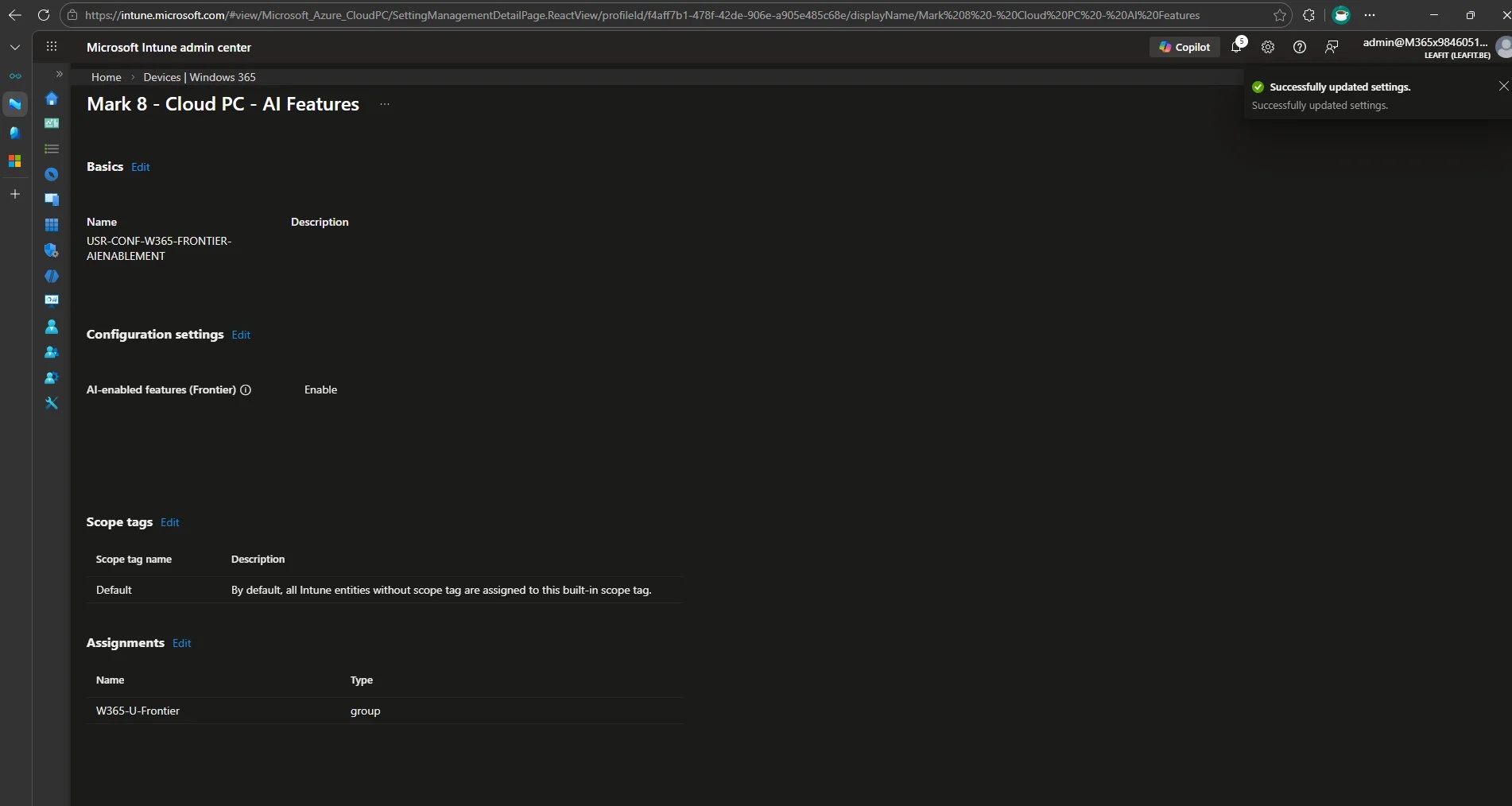
Visit: Enabling AI Frontier Capabilities on Windows 365 with Intune