Let’s check the details about Windows 365 cloud PC web client end-user experience walkthrough. Microsoft released the Windows 365 service called Cloud PC on 2nd Aug 2021. You can register for the trial version of Windows 365 today, and the Windows 365 deployment guide is available.

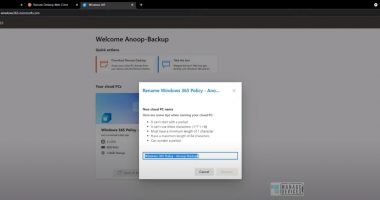
More details about Quick Walkthrough of Cloud PC Web Client  -> https://www.anoopcnair.com/windows-365-cloud-pc-web-client-experience/
Leave a Reply

Your email address will not be published. Required fields are marked *

You May Also Like

Video – End User Experience – Windows 365 Cloud PC | Enterprise SKU

End User Experience Windows365.microsoft.com Windows 365 Cloud PC End User Experience |…

Weekly Newsletter – 2nd of April 2025 to 2nd of May 2025

Welcome to the one-hundred-seventy-sixth (176th) edition of the Windows 365 Community newsletter!…

Step by Step Guide to Provision and Deploy Windows 365 Cloud PC

This post explains Windows 365 Cloud PC deployment provisioning process. Let’s learn how to…

Use Microsoft Endpoint Manager filters to target apps and policies to specific devices

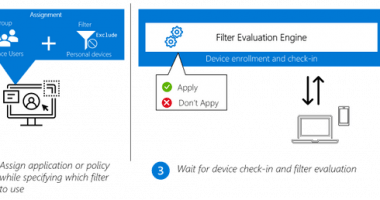
IT administrators can now use filters in Microsoft Endpoint Manager to target apps, policies and other workload types to specific devices. Available in public preview with the May release of Microsoft Intune, the filters feature gives IT admins more flexibility and helps them protect data within applications, simplify app deployments, and speed up software updates.