
Welcome to the 218th edition of the Windows 365 Community newsletter! This week, we bring you the latest Windows 365 news, free events, and expert tips & tricks from the world of Cloud PC.
Windows 365 Cloud Apps
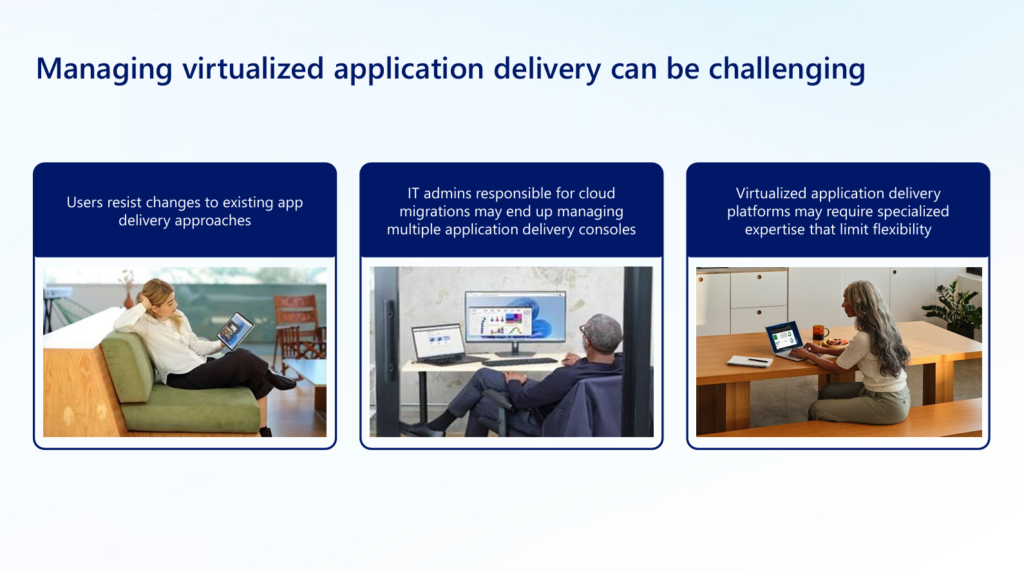
Not every worker needs a full desktop – just the right app! Windows 365 Cloud Apps securely streams individual Windows applications from the cloud to any device.
View the video here: Microsoft – Windows 365 Cloud Apps
View the publication here: Microsoft – Windows 365 Cloud Apps
Windows 365 for Agents
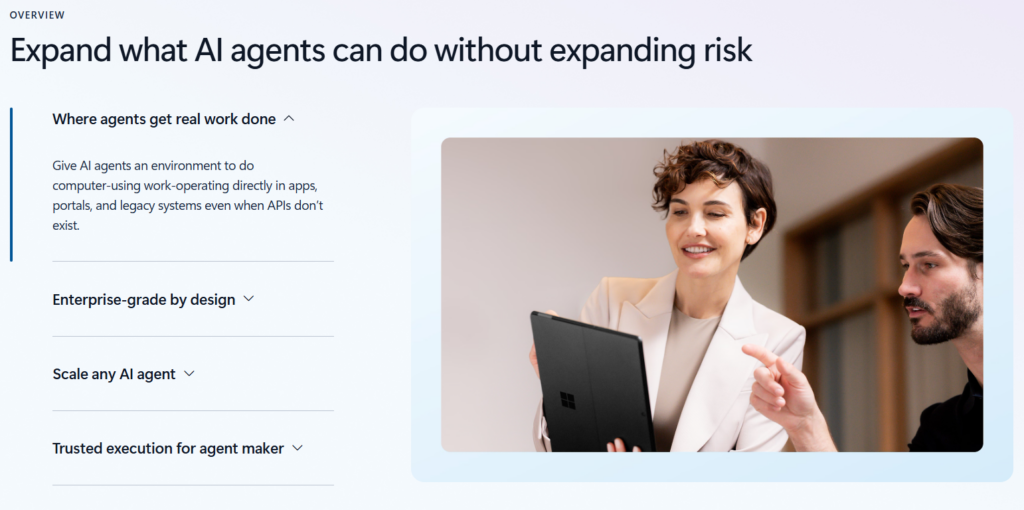
The value of an AI agent isn’t just what it can do. It’s whether it can be trusted, and governed, in production. Windows 365 for Agents provides secure Cloud PCs where agents operate with their own agentic identity, managed through Microsoft Intune, and governed by your existing enterprise policies. And it’s now generally available!
View the video here: Microsoft – Windows 365 for Agents
View the publication here: Microsoft – Windows 365 for Agents
Windows 365 for Agents: paving the way for AI-powered workflows
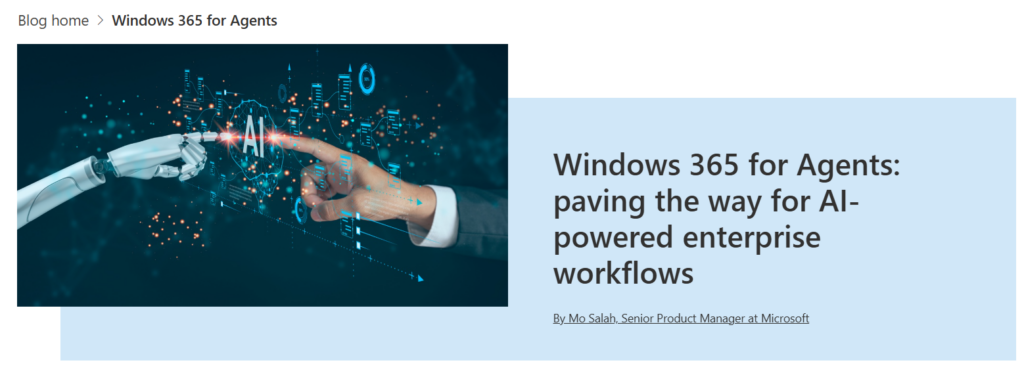
Agentic Cloud Platform: Windows 365 for Agents (W365A) is a secure cloud PC platform designed to host Al-driven computer-using agents that execute tasks like a human would, by interacting with software interfaces.
Read the full post here: Microsoft – Windows 365 for Agents: paving the way for AI-powered
Built-in administrator account disabled during Cloud PC provisioning
The built-in administrator account is now by default disabled when a Windows 365 Enterprise, Flex (in dedicated and shared mode) and Reserve is deployed. This change is made to improve security and reduce confusion without affecting admin or end-user workflows.
Read the announcement here: Microsoft Learn – Whats New for Windows 365
Windows 365 Reserve explained: Setup, Licensing and limitations
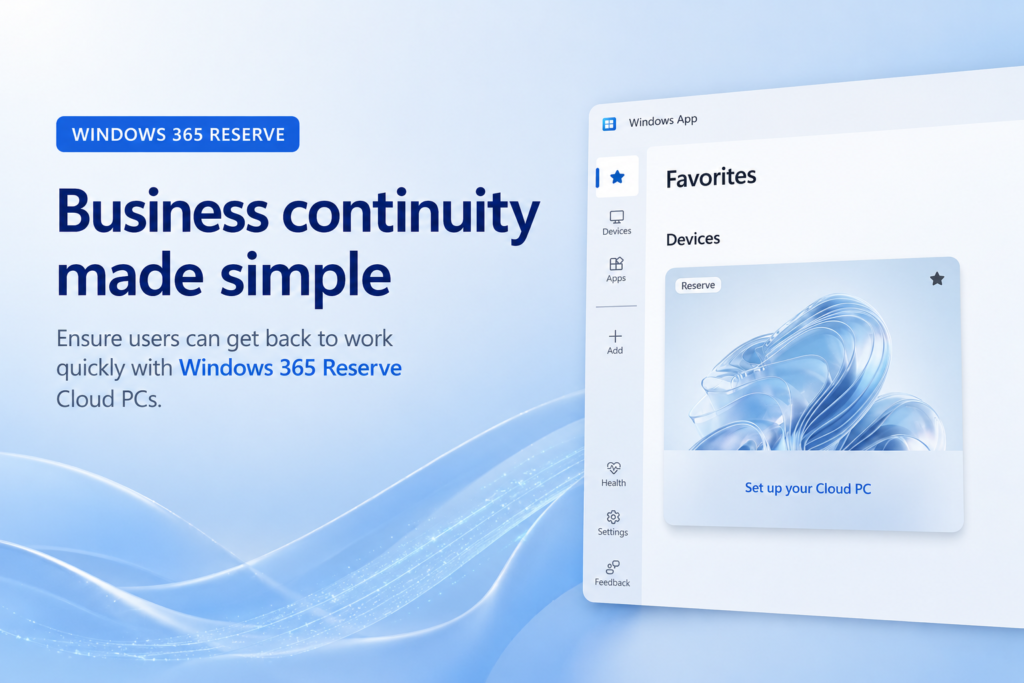
Windows 365 Reserve provides organizations with a business‑continuity solution by offering employees a preconfigured, temporary Cloud PC (up to 10 days per year) to maintain productivity during device loss, failure, or other disruptions.
It is straightforward for IT to deploy via Microsoft Intune using provisioning policies, with flexible image options and automatic app preparation, but requires separate licensing per user and cannot be pooled or shared across users.
However, it has some limitations – including short usage duration, dependency on another device to access the Cloud PC, and a restricted feature set – meaning it should complement, not replace, broader disaster recovery and endpoint strategies.
Read the full post here: Dieter Kempeneers – Windows 365 Reserve explained: Setup, licensing and limitations
That’s all for this week’s roundup! We love seeing how this community keeps pushing the boundaries of what’s possible with Windows 365. Jump into the forums, share your latest learnings, and let’s keep the momentum going!
See you next Friday!