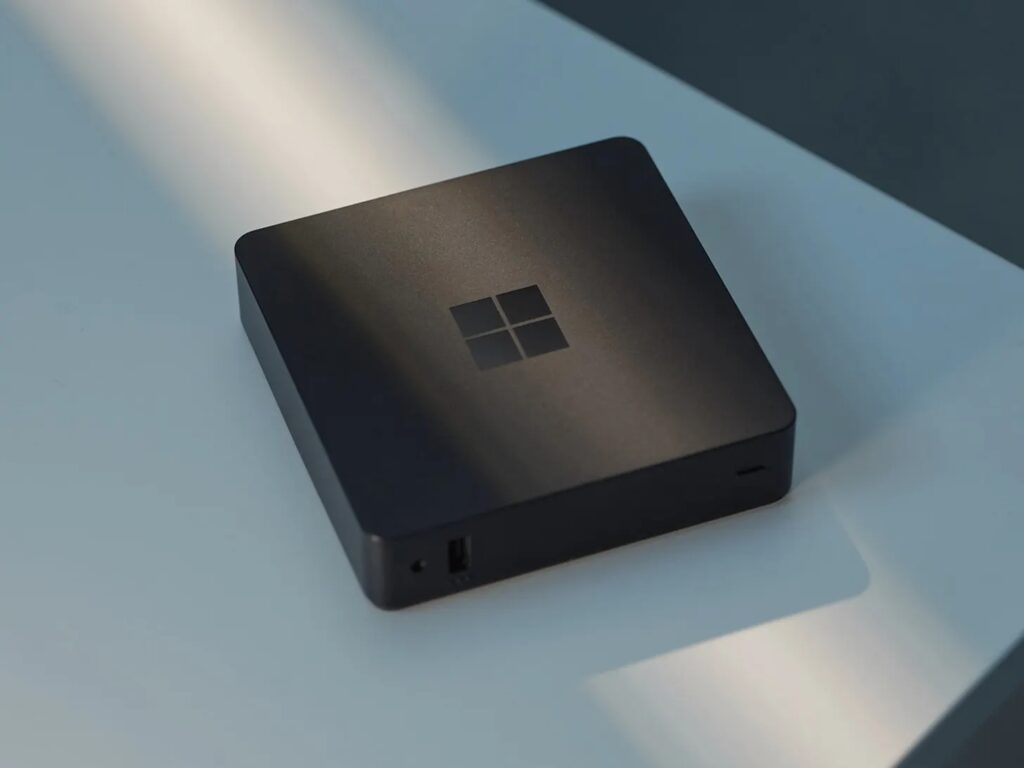
Welcome to the 224th edition of the Windows 365 Community newsletter! This week, we bring you the latest Windows 365 news, free events, and expert tips & tricks from the world of Cloud PC.
Windows 11 26H2 Cloud PC gallery images
The latest Windows Enterprise 26H2 images are available for provisioning new devices. You can update your provisioning policies to use one of the following images:
- Windows 11 Enterprise 26H2
- Windows 11 Enterprise + Microsoft Apps 26H2
- Windows 11 Enterprise Developer Configuration + M365 Apps 26H2

See What’s new in Windows 365 Enterprise
Using Windows 365 via Linux, ZorinOS to be precise
In this article, Niall C. Brady shares how well Windows 365 runs on ZorinOS, noting smooth performance, stable multi‑monitor support, and reliable audio/Teams calling via the browser. He also highlights the ongoing lack of a native Linux Windows App, which continues to limit camera and video meeting quality. Despite this, Niall concludes that ZorinOS delivers an excellent daily Linux experience and that Windows 365 works impressively well, just not perfectly – through the browser.
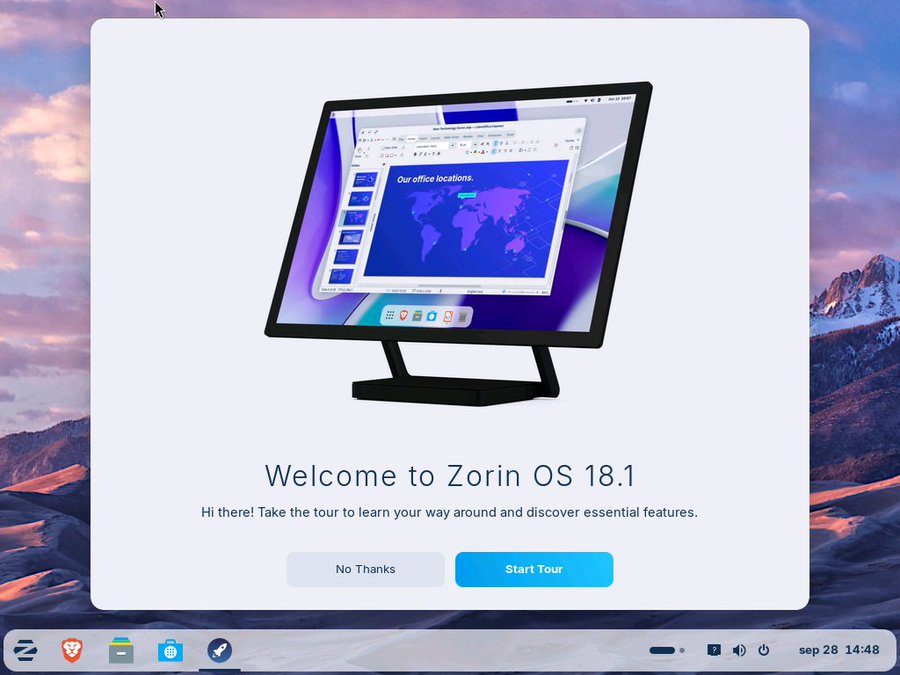
Visit: Using Windows 365 via Linux, ZorinOS to be precise
Windows 365 Wednesday – Windows 365 Link and Intune
In this article, Jeroen Burgerhout breaks down how to configure and manage Windows 365 Link devices with Intune, focusing on simple, secure Cloud PC access. He explains key setup steps like creating a dedicated device group, suppressing SSO consent prompts, onboarding devices via corporate identifiers, and applying essential policies such as time‑zone detection, FIDO2 sign‑in, screen timeout, and compliance checks. Jeroen concludes the final part of his Windows 365 series by emphasizing how Link devices, Cloud PCs, Intune, Entra ID, and Autopatch together form a clean, modern, and highly manageable workplace experience.