
Welcome to the one-hundred-ninety-second (192nd) edition of the Windows 365 Community newsletter! This week, we bring you the latest Windows 365 news, free events, and expert tips & tricks from the world of Cloud PC.
I took Windows 365 Link for a test drive
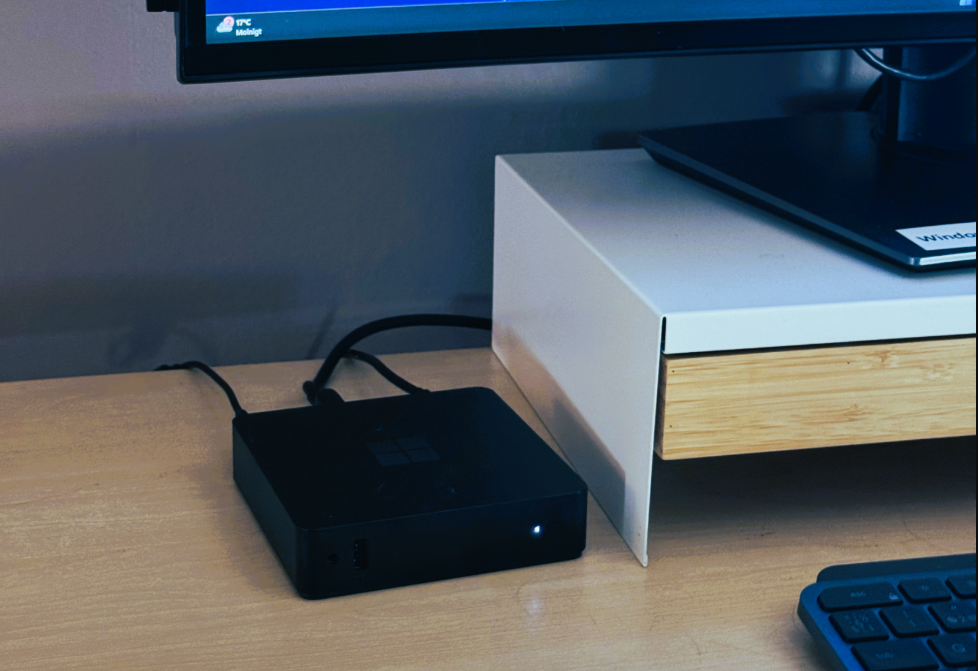
In this blog post, Ola Strom shared his experience using Windows 365 Link and setting up the device. He detailed the process, highlighted its simplicity, and emphasized how seamlessly the setup integrates with existing workflows, making it easy for users to get started and stay productive with their Cloud PCs.
Visit: I took Windows 365 Link for a test drive
Windows 365 Cloud Apps Provisioning Policy – PowerShell(Graph Rest API)- Part 1
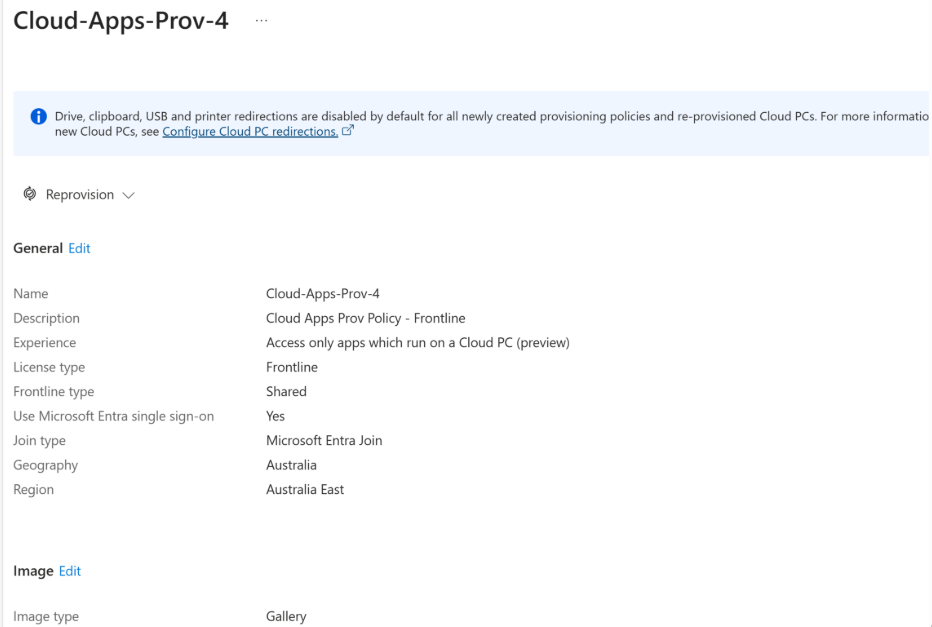
Aresh Sarkari has published an excellent first part of a two-part series on Windows 365 Cloud Apps. In this post, he explains Windows 365 Cloud Apps are, outlines Cloud Apps vs AVD Published Apps vs “Traditional” VDI Published Apps and demonstrates how to create a provisioning policy using PowerShell.
Visit: Windows 365 Cloud Apps – Provisioning Policy – PowerShell (Graph Rest API) – Part 1
Resize Windows 365 Frontline Cloud PCs On Demand
In this blog post, Thomas Marcussen shared the insights, benefits of Resize Feature for Windows 365 Cloud PCs and how it works. Windows 365 Frontline Cloud PCs On demand resizing allows admins to adjust CPU, RAM, and storage across grouped machines via provisioning policies.
Visit: Resize Windows 365 Frontline Cloud PCs On Demand
How healthy are your Windows 365 or Azure Virtual Desktop PC’s ?
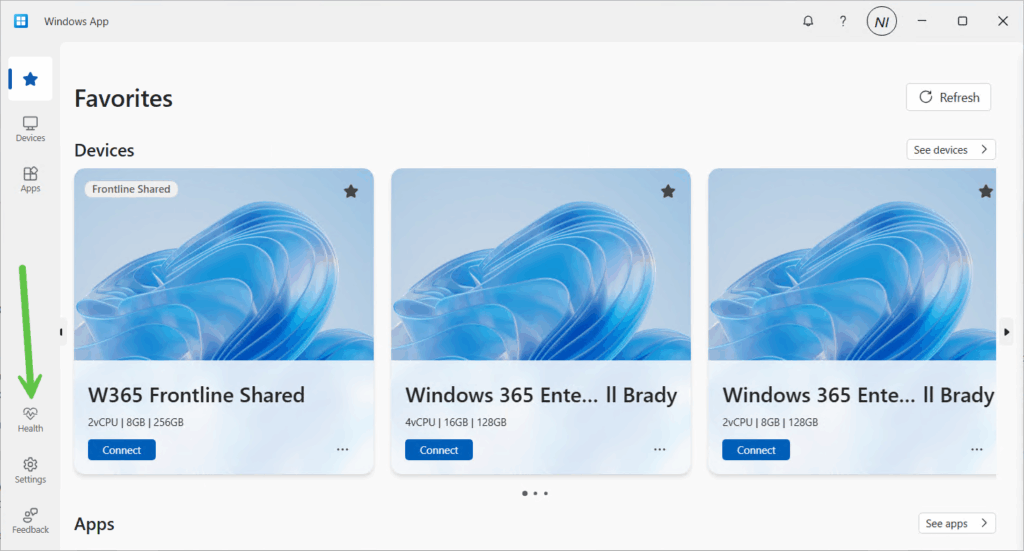
In this blog post, Niall Brady and Paul Winstanley explore the new feature for the Windows App called Health Checks. These checks monitor connectivity and system health, If something is detected to be not working, such as a failure to reach a required endpoint, then the Windows app will alert you with a banner.
Visit: How healthy are your Windows 365 or Azure Virtual Desktop PC’s ?
Full Guide to Expert in Windows 365 Cloud PC
In this video guide, Vaishnav K offers a quick overview of Windows 365 Cloud PCs, explaining key features and edition differences. You’ll learn the essential prerequisites, also walks through provisioning Cloud PCs in Intune by creating policies and user settings, highlighting the Windows 365 Enterprise experience.