

Welcome to the 221st edition of the Windows 365 Community newsletter! This week, we bring you the latest Windows 365 news, free events, and expert tips & tricks from the world of Cloud PC.
Following up on Windows 365 Reserve
In this article, Niall C. Brady outlines what happens after the initial seven‑day waiting period for Windows 365 Reserve provisioning, showing how admins (or users) can finally provision a Reserve Cloud PC once the delay has passed. He walks through the Intune experience, the provisioning workflow, the user-facing Windows app behavior, and the 10‑day disaster recovery usage window. Niall highlights how straightforward the process becomes after the wait, though he notes an odd Windows app error that required a restart before the Cloud PC could launch successfully.
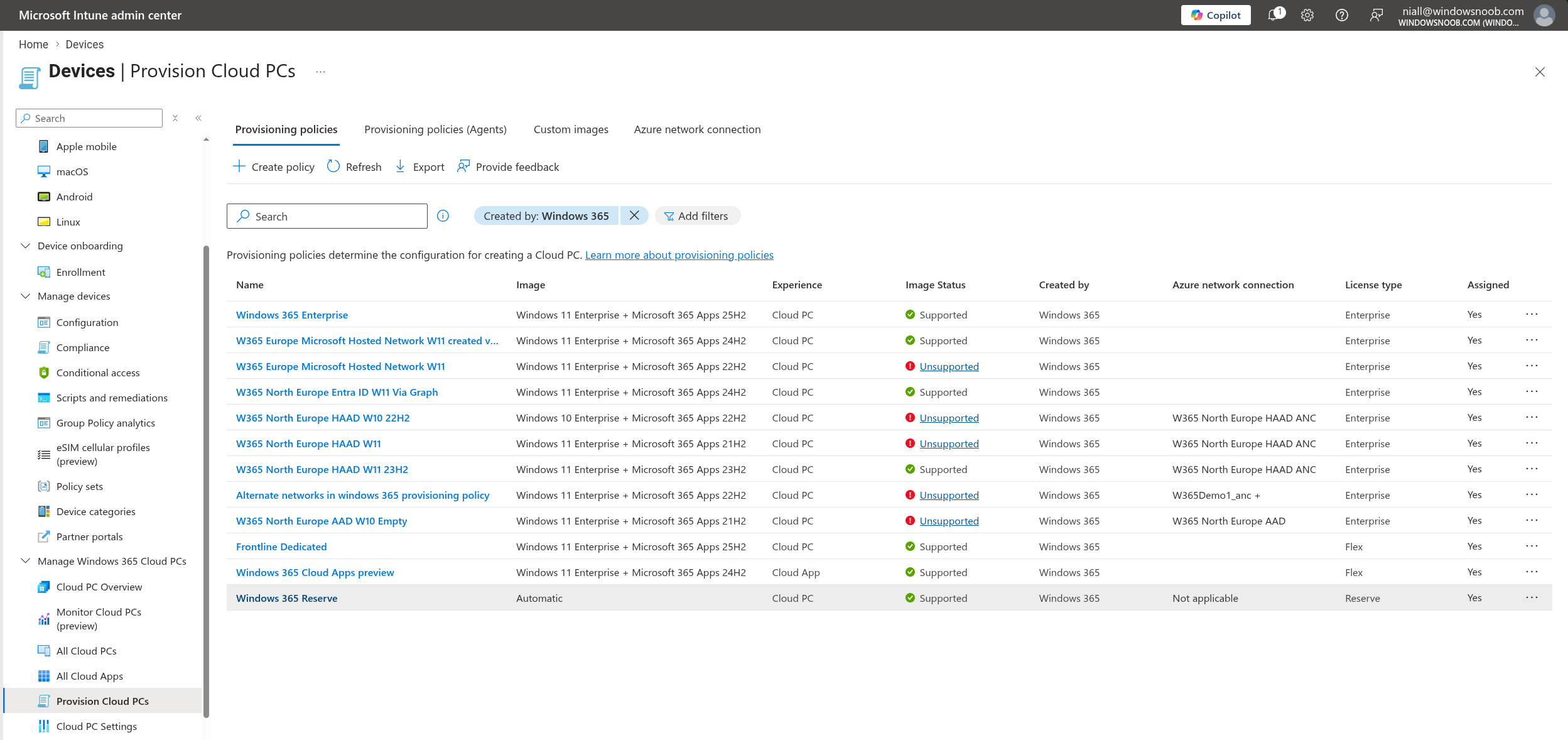
Visit: Following up on Windows 365 Reserve
How to Perform a Windows 365 Link Bare-Metal Recovery
In this article, Dieter Kempeneers explains how Windows 365 Link’s new bare‑metal recovery process lets you fully restore a device that can no longer boot, using Microsoft’s official recovery image and a bootable USB drive. He outlines when BMR is necessary, how to enter the UEFI recovery environment, how to prepare and load the recovery image, and how to reinstall the operating system before re‑enrolling the device into Entra ID and Intune. Dieter emphasizes that while this method is a last‑resort option, it finally provides a reliable, supported way to recover an otherwise unusable Windows 365 Link device.
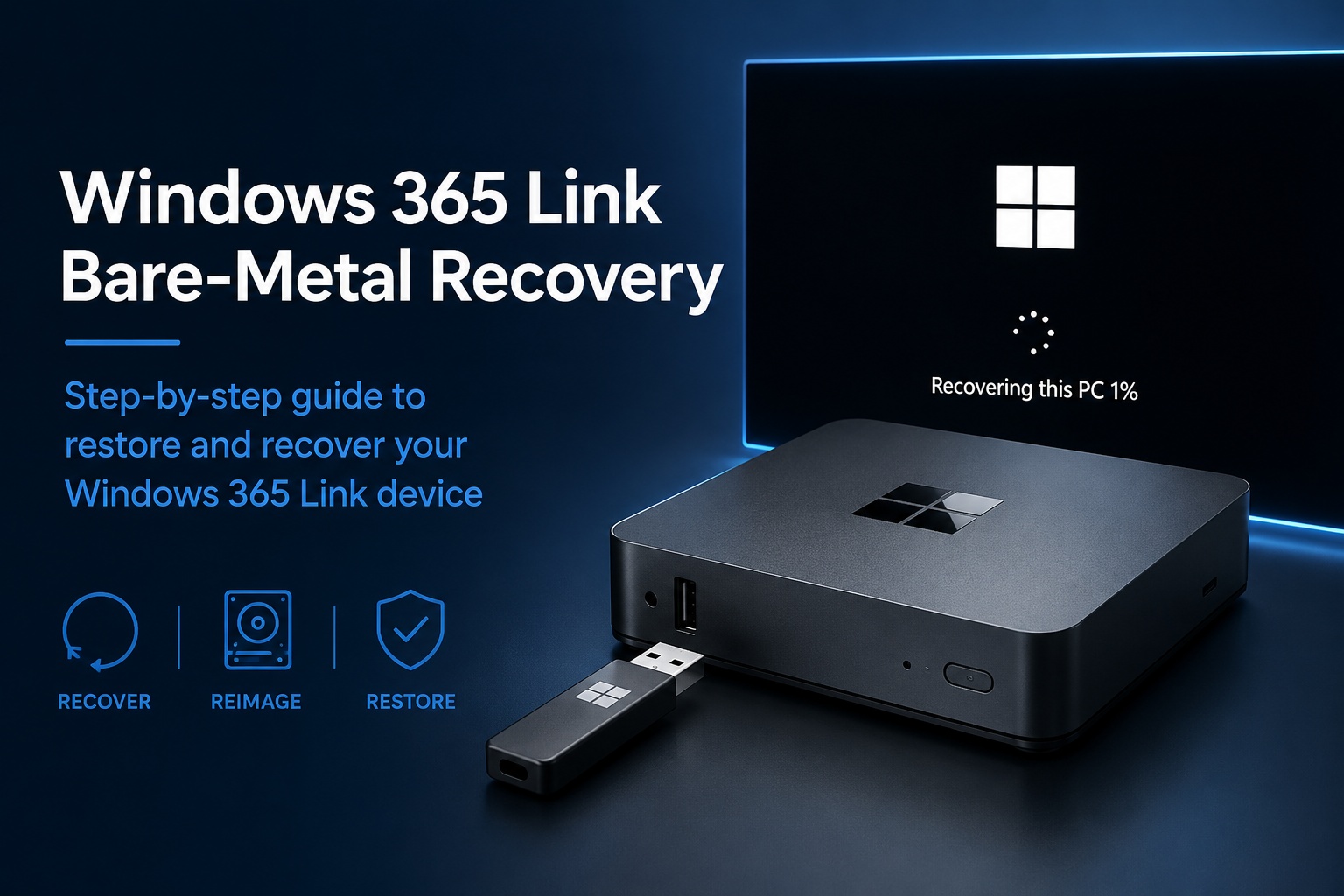
Visit: How to Perform a Windows 365 Link Bare-Metal Recovery
What’s new in Windows 365 Enterprise and Windows 365 Flex – Week of July 27, 2026
Learn about the new features available in Windows 365 Enterprise and Windows 365 Flex for the week of July 27, 2026.
- Autopilot Device Preparation for Citrix Cloud PCs is now available
- Bulk deprovision for Cloud PCs in grace period (Public Preview)
- PowerShell execution policy hardening for Cloud PC provisioning
- Android support for external identities is now generally available
- Android preview support for in‑session passwordless authentication

Visit: What’s new in Windows 365 Enterprise and Windows 365 Flex – Week of July 27, 2026