
Welcome to the 212th edition of the Windows 365 Community newsletter! This week, we bring you the latest Windows 365 news, free events, and expert tips & tricks from the world of Cloud PC.
Windows 365 Link Bare Metal Recovery
The Windows 365 Link device is a great and secure solution to connect to your Cloud PCs. But what can you do if something happens to the Windows 365 Link device itself? You can use Microsoft Intune to remotely wipe or reset the device or use the company app to reset the device. But what if the OS fails to load?
In that case you still have two options to recover the device. First you can use the Windows Recovery Environment on the device itself or you can perform a bare metal recovery procedure. Want to learn more on how to perform a bare metal recovery for a Windows 365 Link device?

Read the full post here: Michael Meier – Windows 365 Link Bare Metal Recovery
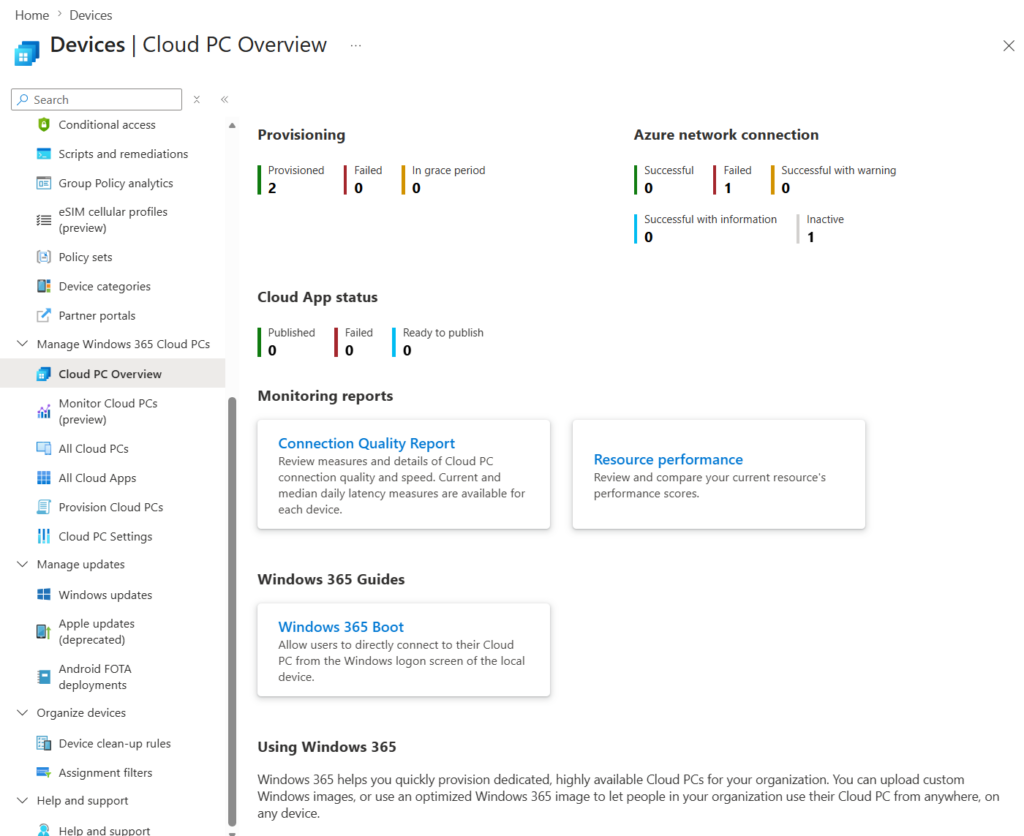
Updates to Windows 365 navigation in the Microsoft Intune admin center
Did you notice that Windows 365 is now displayed in a different way in the Microsoft Intune admin center? Don’t worry, it’s not your imagination. Microsoft has grouped Windows 365 related pages together making our lives as Windows 365 admins more easy.
Read the full post here: Updates to Windows 365 navigation in the Microsoft Intune admin center
User-initiated provisioning for Windows 365
A Windows 365 Reserve Cloud PC is meant to help your end users in case they cannot use their corporate device for a short period of time. Think about forgetting a laptop when they just travelled to a conference or a customer in another country, or when the device is accidentally broken and needs replacement. Until now a Windows 365 admin could assign a Windows 365 Reserve Cloud PC to their account allowing the end user to continue their work on the Reserve Cloud PC. The end user can simply return the Reserve Cloud PC once they regain access to their corporate device.
This experience has now improved by Microsoft by allowing end users to initiate the provisioning process of a Reserve Cloud PC directly from the Windows app.
Read the announcement here: User-initiated provisioning for Windows 365 Reserve
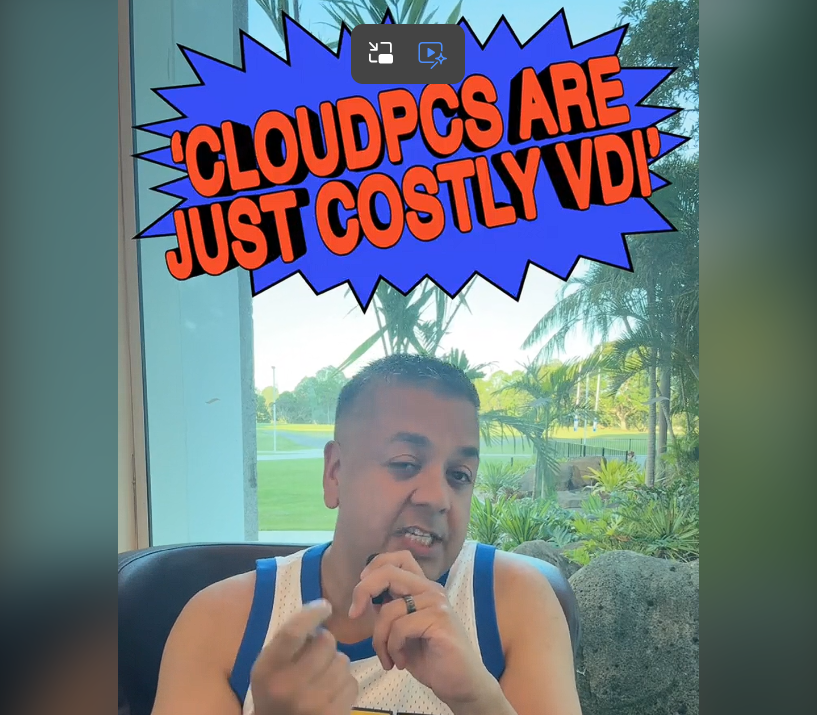
Cloud PCs aren’t just costly VDI
Shabaz Darr is a Microsoft MVP for AVD and Nerdio NVP who is commited to creating quality content for Microsoft and Nerdio products. You can find his free content on various platforms under his moniker IamITGeek. This week Shabaz debunks the myth that Windows 365 are just costly VDI-based desktops.
View the recording here: Cloud PCs are just costly VDI
Shabaz Darr – IamITGeek YoutTube channel
That’s all for this week’s roundup! We love seeing how this community keeps pushing the boundaries of what’s possible with Windows 365. Jump into the forums, share your latest learnings, and let’s keep the momentum going!
See you next Friday!