
Welcome to the two-hundred-second (202nd) edition of the Windows 365 Community newsletter! This week, we bring you the latest Windows 365 news, free events, and expert tips & tricks from the world of Cloud PC.
Introducing Windows 365 Reserve
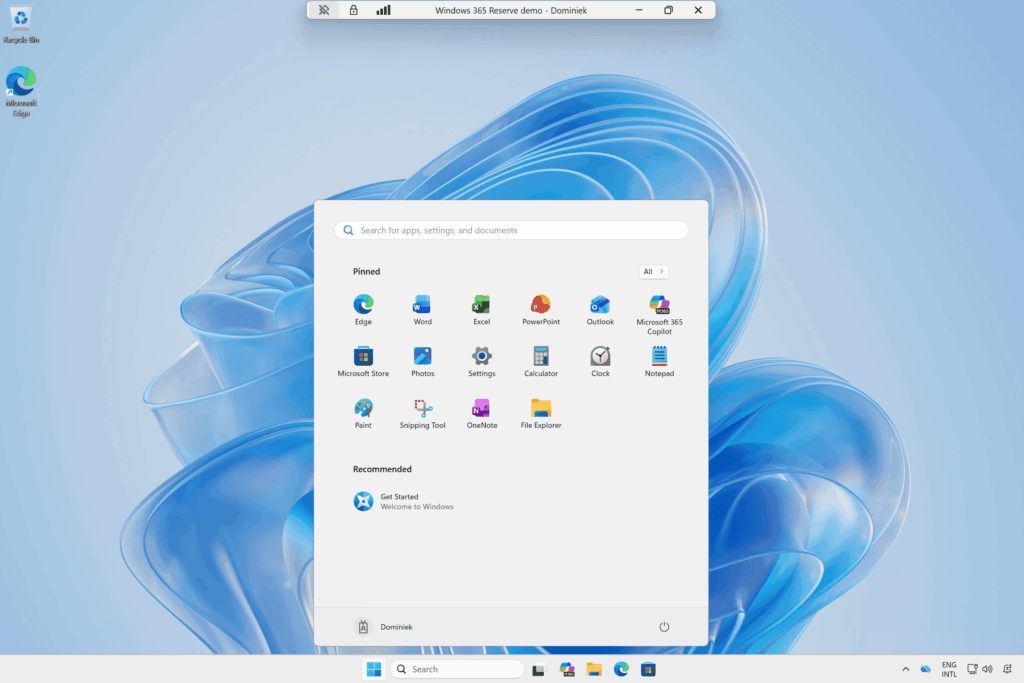
Join Dominiek Verham is his latest post about Windows 365 Reserve. Windows 365 Reserve can be used to provide your end users with a Cloud PC, but it’s use case is totally different compared to Business, Enterprise or Frontline. Dominiek elaborates on when to use a Reserve Cloud PC and how long an end user can use the Cloud PC, and shows how to set it up. The post also includes a demo.
Read the full post here: Dominiek Verham – Introducing Windows 365 Reserve
Windows 365 Frontline shared: How to customize Cloud Apps
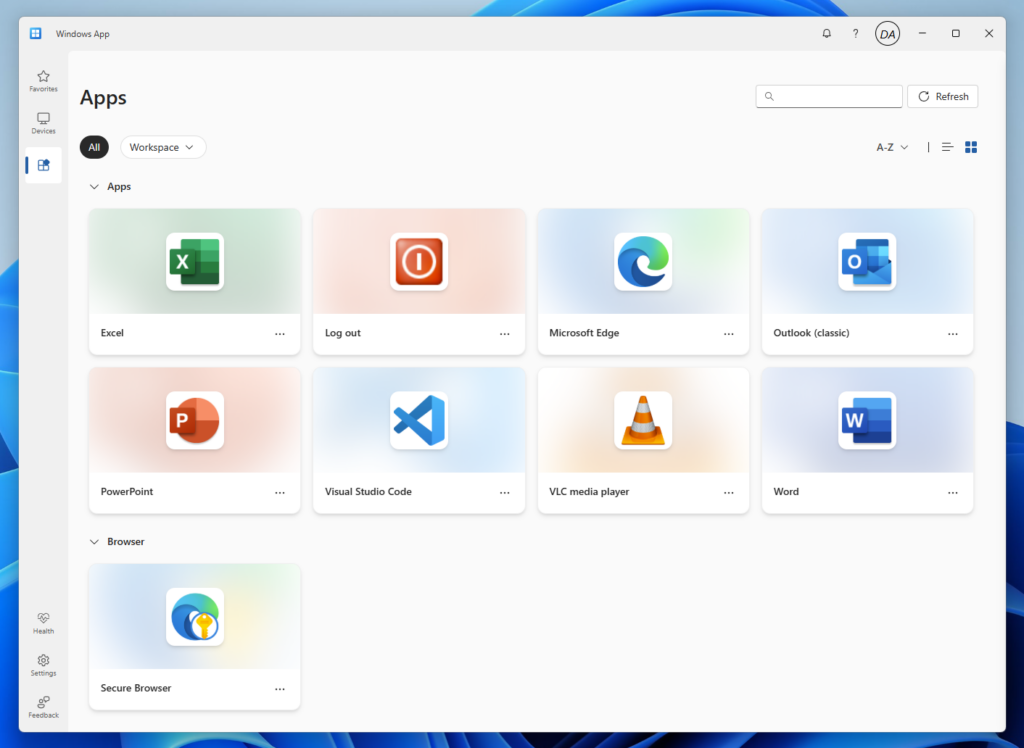
Cloud Apps are published applications straight from Windows 365 Frontline shared Cloud PCs. These Cloud Apps can be accessed via the Windows App and use the default icon. But did you know you can customize the icon? Join Daniel Weppeler in his post where he elaborates on how to change the icon and give customized user experience to the end user.
Read full the full post here: Daniel Weppeler – Windows 365 Frontline Shared: How to customize Cloud Apps
That’s all for this week’s roundup! We love seeing how this community keeps pushing the boundaries of what’s possible with Windows 365. Jump into the forums, share your latest learnings, and let’s keep the momentum going!
See you next Friday!